1
Add Pairings to a channel
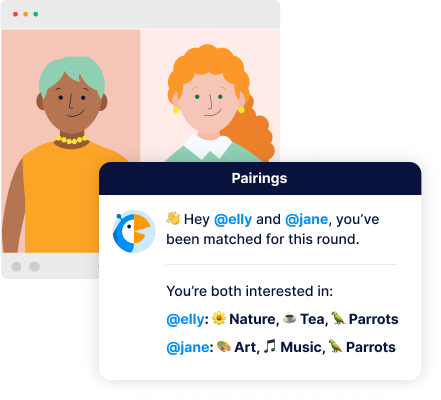
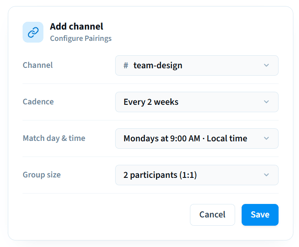
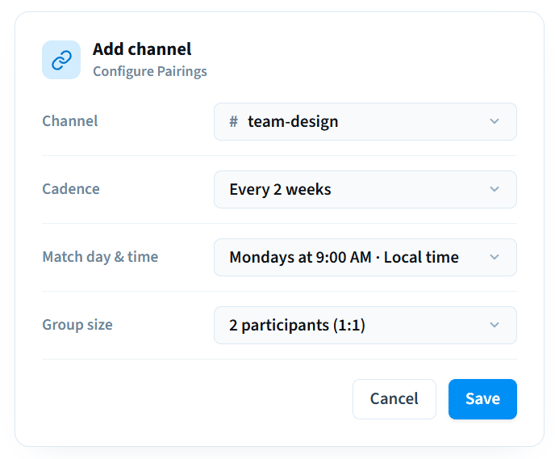
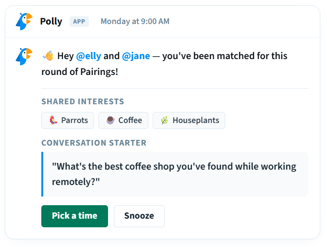
Pick a channel, set the cadence, match day, time, and group size from the Polly Home tab. Save and you're done.



Login:







Setup
In Slack
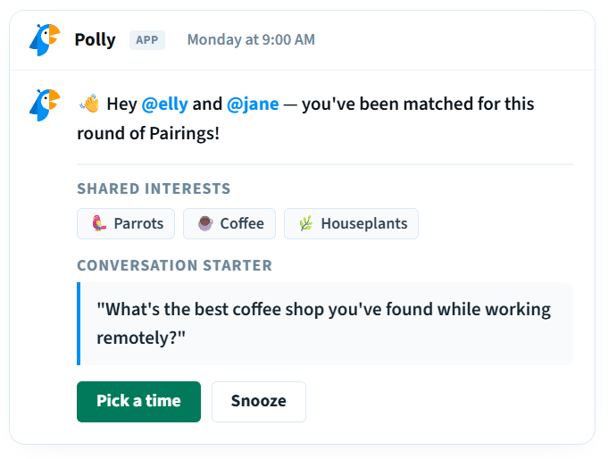
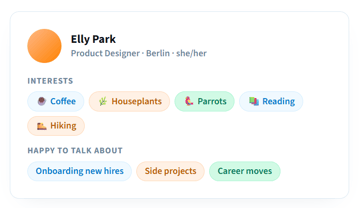
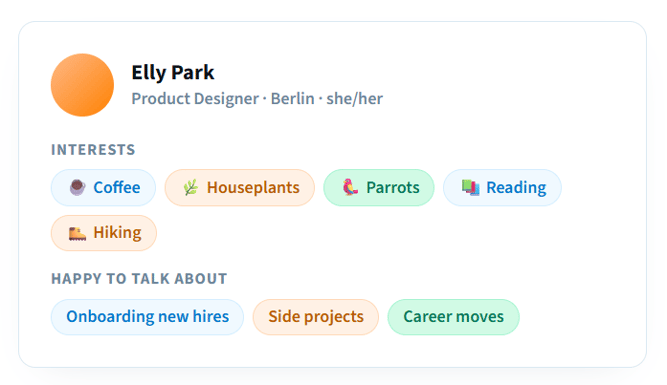
Profiles
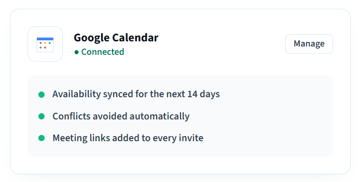
Scheduling

Snooze
Pause matches for a set time — busy week, time off, deep work. You're automatically back in when it ends.

Opt out
Step out of a channel's matches entirely until you choose to opt back in. No questions asked.

Admin controls
Polly Admins can manage employee pairings programs across every channel where Pairings is enabled in the workspace.
How does Polly decide who gets matched?

What if no match gets created in a cycle?
Why wasn't a time selected?
Do I have to connect my calendar?
Can the same people get paired again?

Add Polly to: