

Any room size
A 20-person standup to a company-wide all-hands, the same setup.


Login:
 Events & Meetings
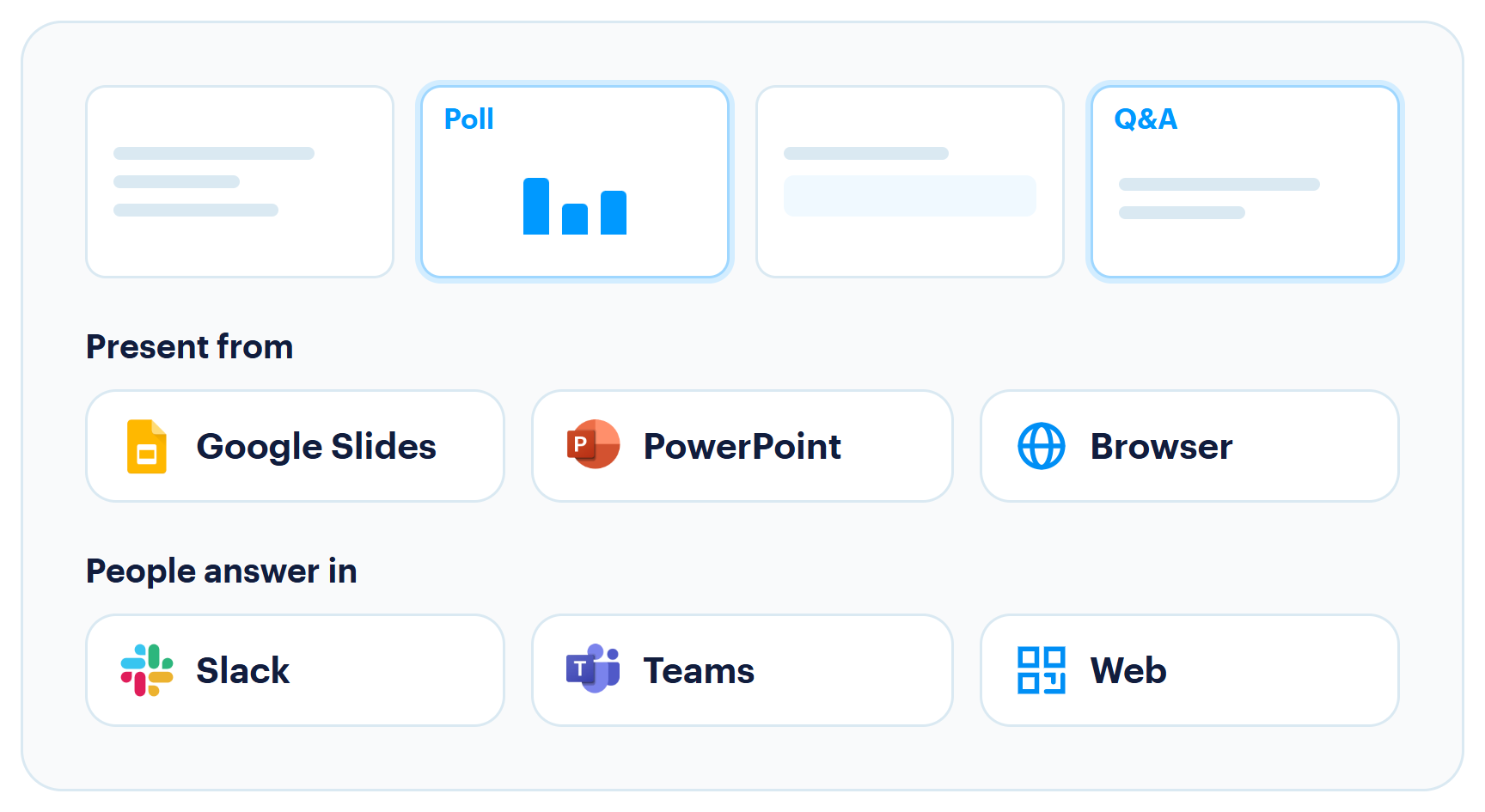
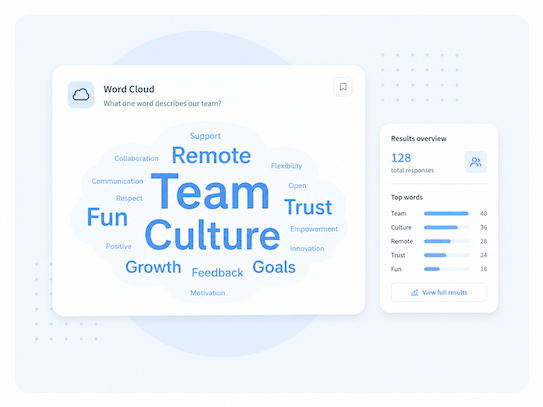
Turn any presentation into a conversation with live polls, Q&A, and quizzes. Present from Google Slides, PowerPoint, or your browser, while your audience participates through Slack, Teams, or the web. Keep the conversation going before, during, and after.


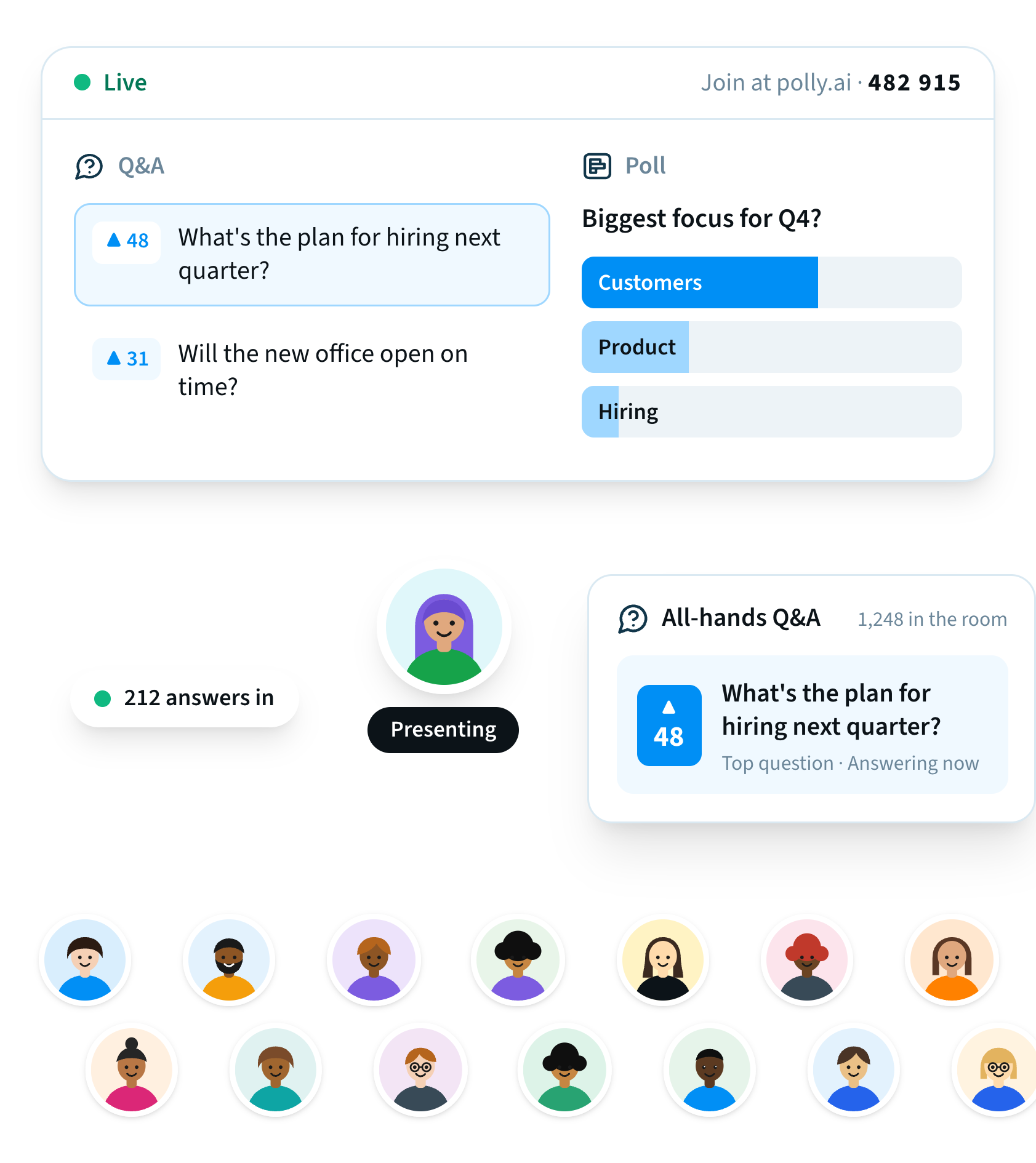




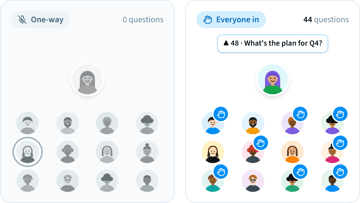
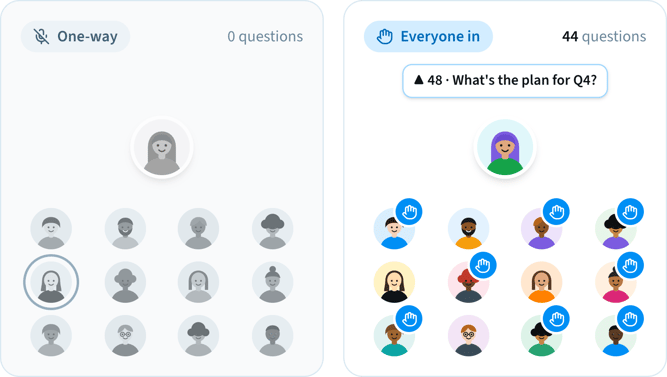
A few people talk. Everyone else listens. Questions go unasked, feedback gets missed, and opportunities for meaningful participation disappear. Polly changes that with live polls, Q&A, and interactive moments that turn passive audiences into active participants.
Create your presentation in Polly or bring the deck you already have. Add interactive polls, Q&A, and quizzes, then present from Google Slides, PowerPoint, or your browser.
Content slides and Polly slides together, in one deck.
Add polls, Q&A and quizzes to your Google Slides or PowerPoint deck.

Before
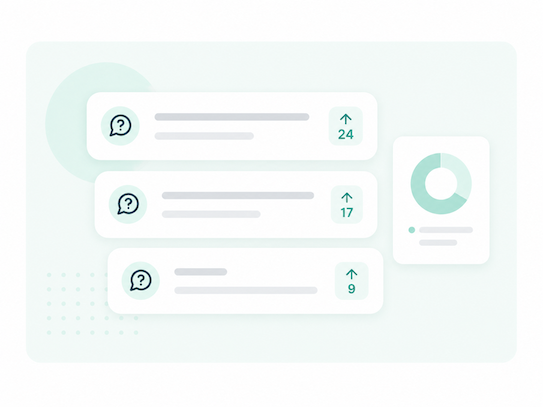
Open a questions channel a few days out, pin "what should leadership cover?", and let upvotes rank what matters.
Live
Open with a quick pulse, present your deck, then take the top-upvoted questions live. Drop a poll whenever you need a gut-check.
After
Leave the thread open for follow-ups, and send the one report to leadership.

Before
Collect questions for the exec ahead of time, so quieter voices get in, not just the fastest typers.
Live
Mix poll and Q&A slides into the deck so the conversation is built in, and surface anonymous questions when candor matters.
After
Share the questions, answers, and key takeaways so everyone stays in the loop, even if they missed the session.

Before
Send a short pre-check to see what people already know, so live time goes where it counts.
Live
Make learning interactive with live polls and quizzes, and see what people understand in real time.
After
End with a knowledge check and get a report showing which topics need a second pass.

Before
Gather icebreakers and topics from the group so the agenda reflects the room.
Live
Keep everyone involved with live polls, icebreakers, and shared discussions, whether they're in the room or joining remotely.
After
Capture decisions and takeaways in one place everyone can revisit.

Google Slides, PowerPoint, or the browser.

Slack, Teams, or the web. No new app, no extra login.

Set it up once. The whole session lands in a single report.
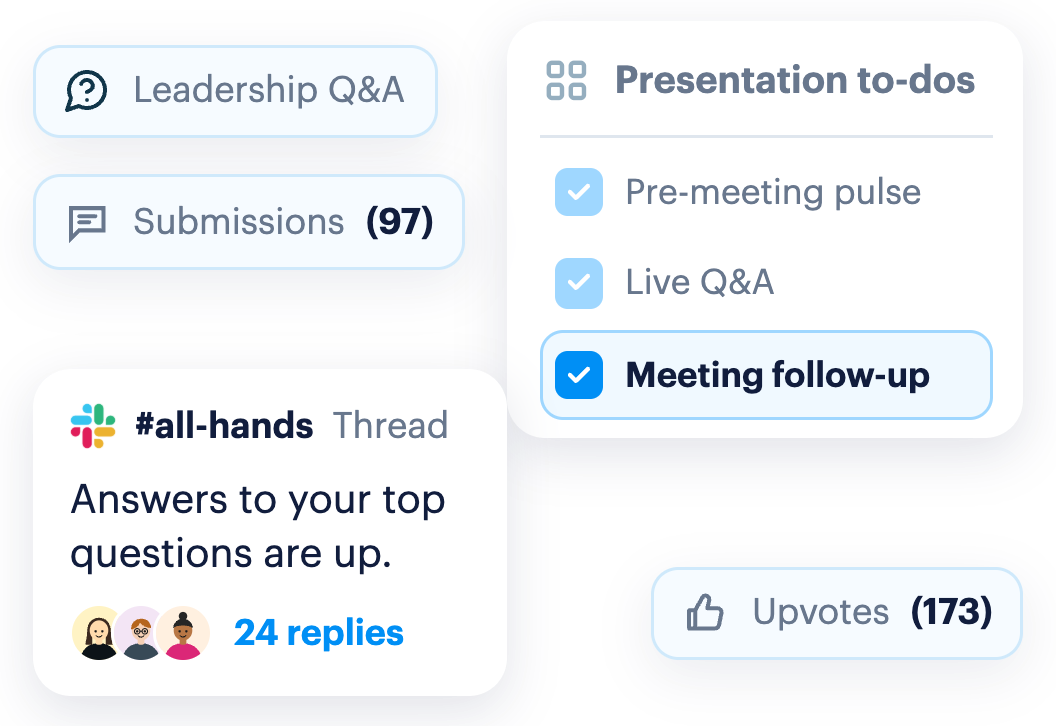
Watch an event go from a pre-meeting pulse, to live Q&A and polls, to the report leadership gets after.
“The town hall was an absolute blast. Everyone loved the live polling. It was so interactive.”

Director, Internal Comms
10,000+ person company
Ran their company-wide town hall with Polly, right inside Google Slides.
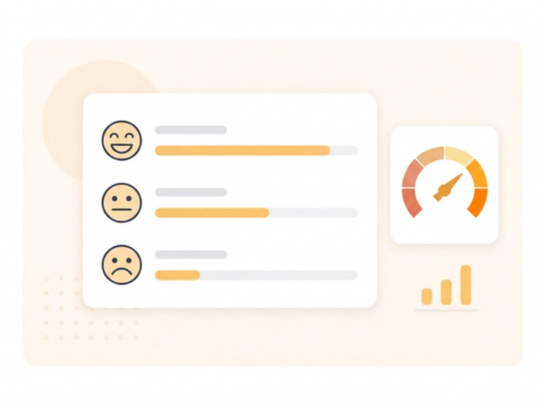
Poll the room on priorities and take questions in one session.
Use Template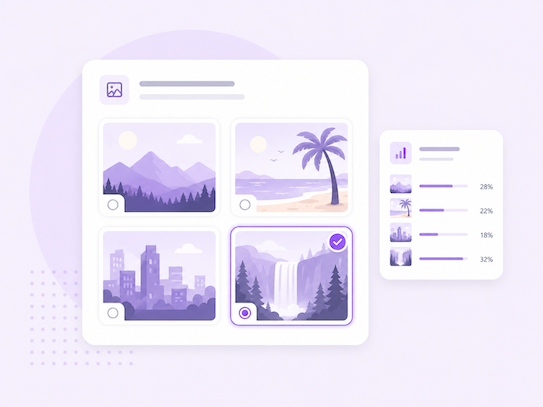
Check what stuck from week one, without rebuilding a quiz by hand.
Use Template

Where can I present from?

How do people join and answer?
Can participants join without downloading a new app?
Can I build the whole deck in Polly?
Can people send questions before the event?
What happens after the event ends?
Is there a cap on how many people can take part?
That's what Polly is for.



Add Polly to: