Build it in Polly,
or bring your own
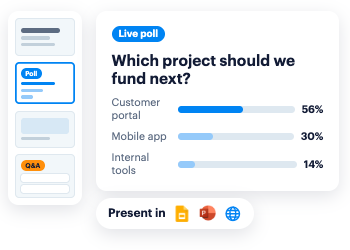
Create a full deck in Polly, or add Polly slides to the deck you already have in Google Slides or PowerPoint.


Login:
Polly Presentations
Bring interactive polls, Q&A, and quizzes into your presentation.
Present from Polly, Slides, or PowerPoint, with one setup for Slack, mobile, or anywhere else.









Senior Analytics Manager, People
Senior Analytics Manager, People
Build it in Polly,
or bring your own
Create a full deck in Polly, or add Polly slides to the deck you already have in Google Slides or PowerPoint.
Your slides,
your choice
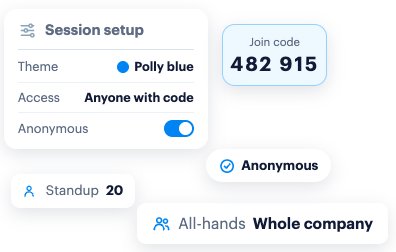
Match your brand or pick a theme, choose who can join, and turn on anonymity for when it matters.
One setup,
for any surface
One join code, one report, and generous participant limits for your audience to join from wherever they want.
Before
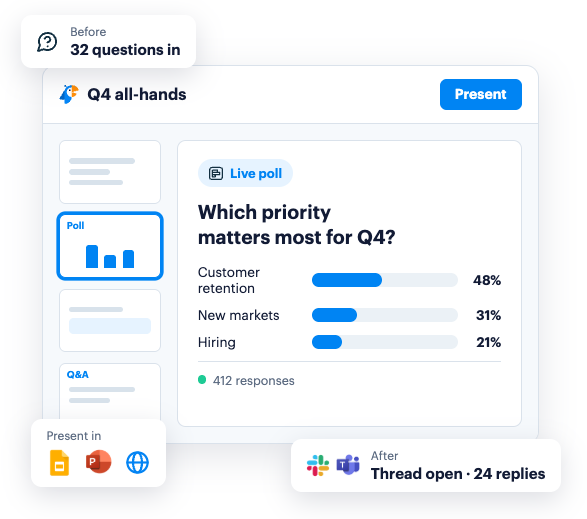
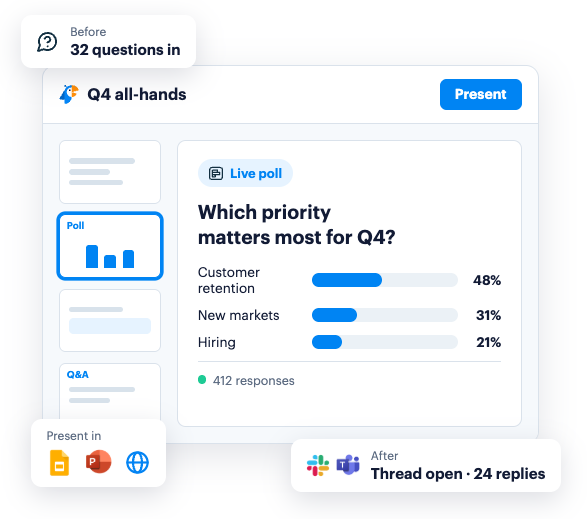
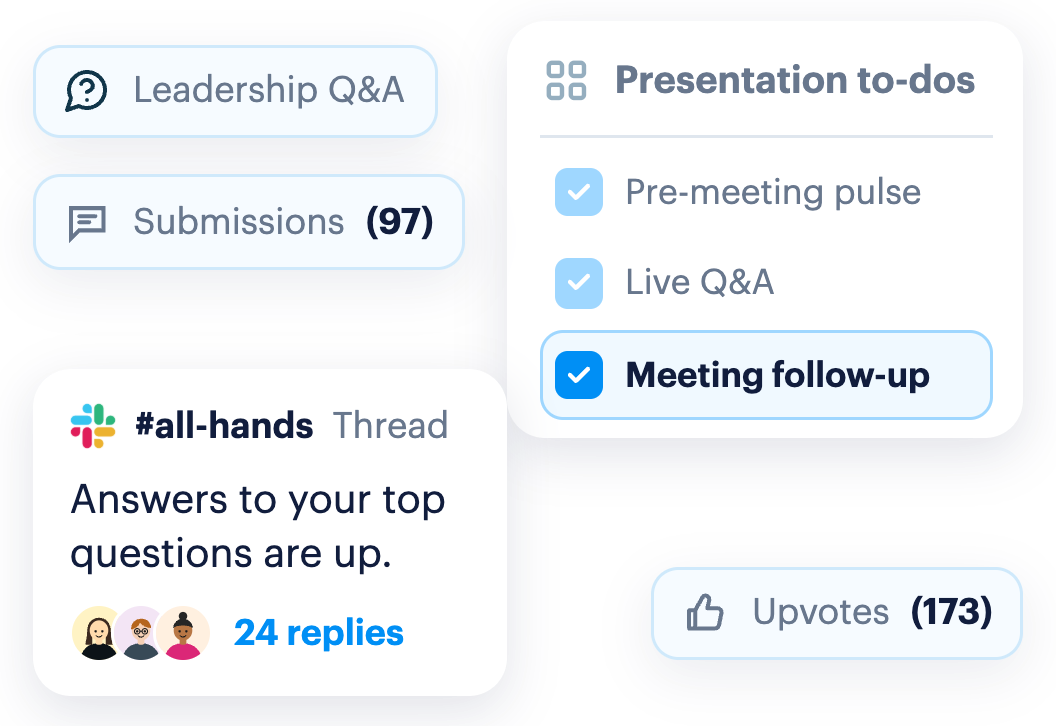
Gather questions ahead of time, so the live session answers what people actually want to know.
During
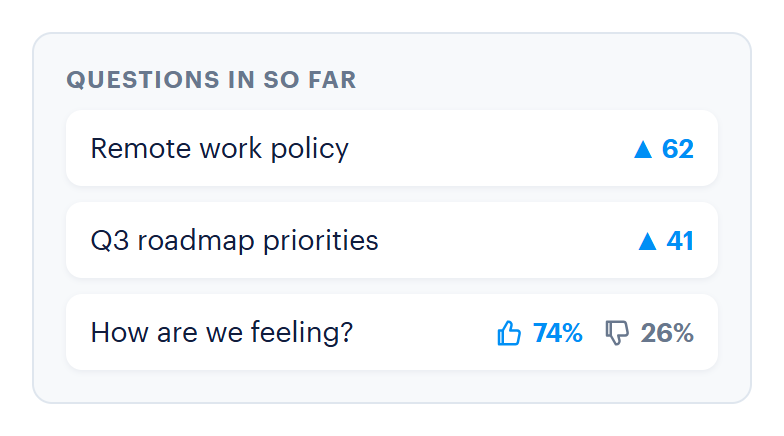
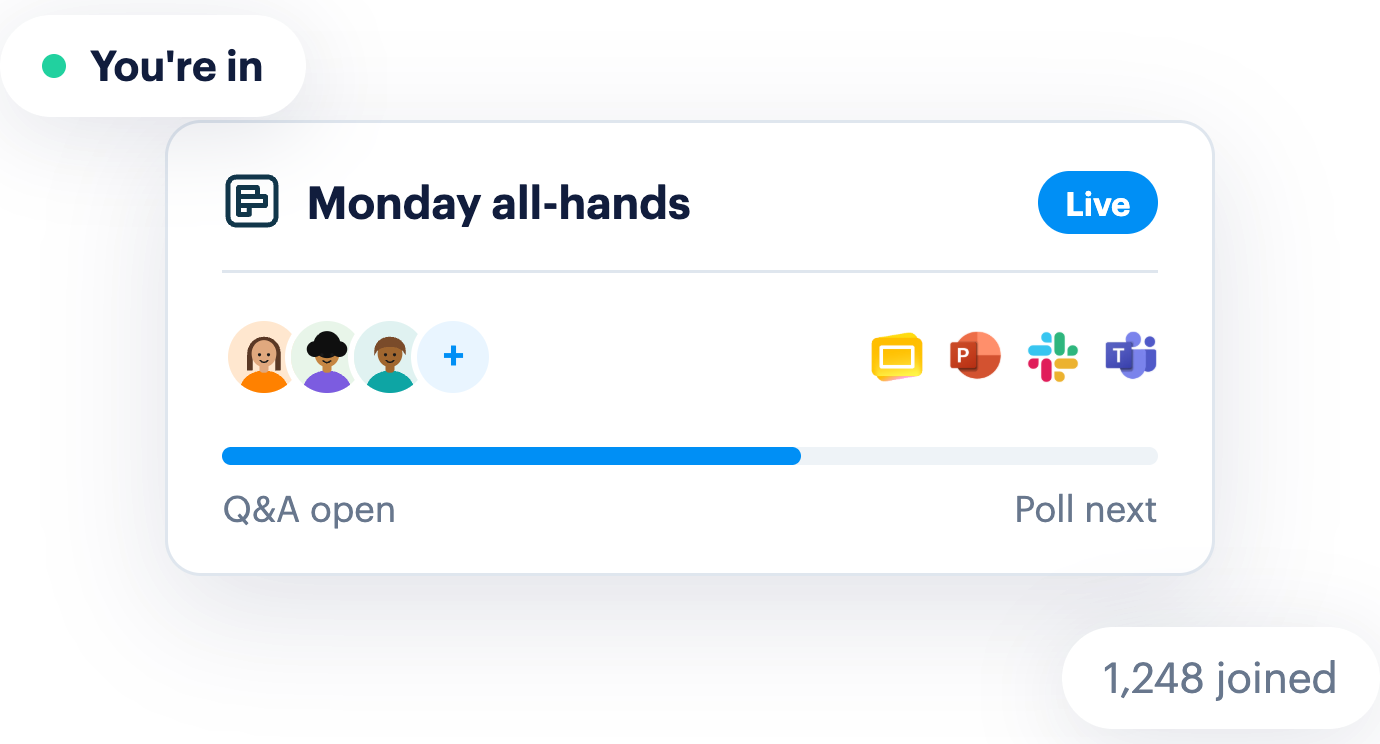
Polls, Q&A and quizzes run inside Slack, mobile, or the browser. No second tab for the presenter, no separate login to join.
After
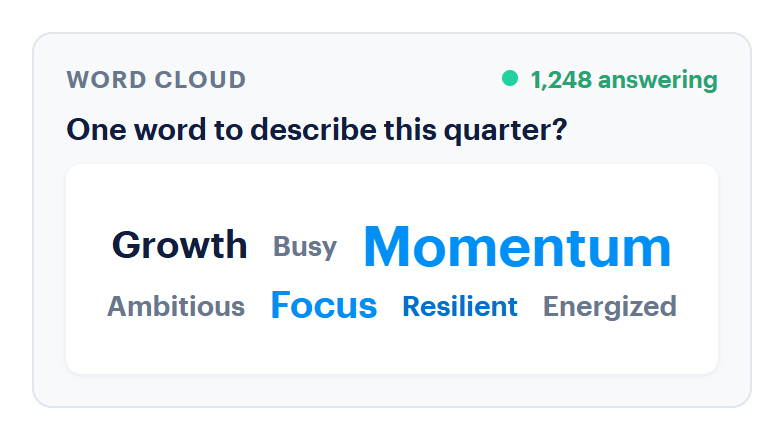
The Q&A thread stays open in Slack as long as you need, and the whole session lands in one report, ready for leadership.

PowerPoint
Add-in, right on your slides

Google Slides
Present without switching tabs

The browser
Full-screen from any laptop
Join code
420 786

Slack
Answer where work happens

Microsoft Teams
Group chats, channels, or meetings

The web
Scan the QR code on screen
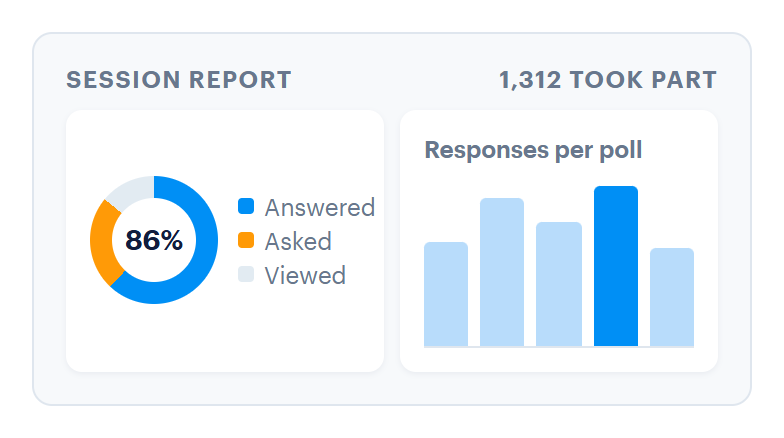
However people join, every answer lands in the same session and the same report.


Collect questions a few days before, let people upvote what matters most, and answer the top ones live, or privately afterwards.

Mix poll and Q&A slides in with your content, so the conversation is built into the presentation, not tacked on at the end.

Assess comprehension in real time. Run in-session or async quizzes to pinpoint what resonated and where your learners need extra support.
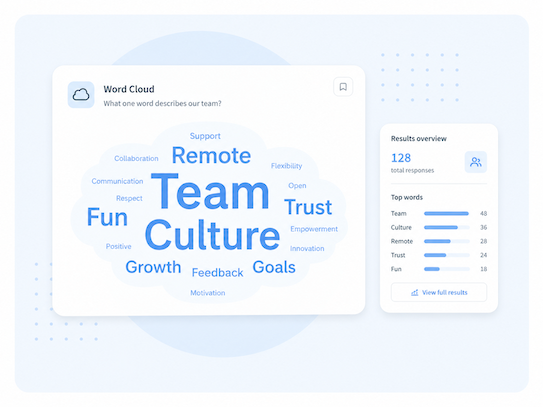
For the moments that matter — a new direction, a big bet, a reset. Make sure it lands and you hear the room.
Use Template
Turn a room of strangers into a crowd that's talking. Great for kickoffs and mixers.
Use Template
The dependable run-of-show for a company-wide update. Open the room, check the message landed, surface questions, close on a pulse.
Use Template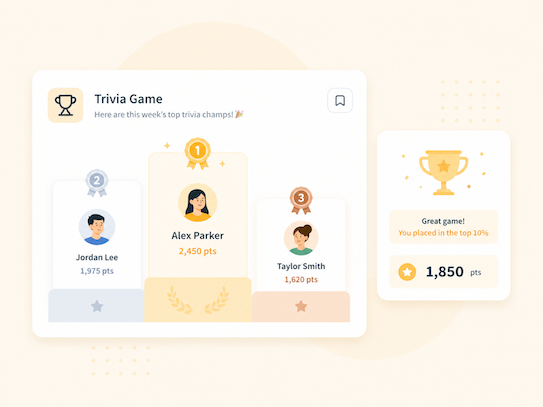

Check in with your new employees and ensure they have all they need to be successful
Use Template
A drop-in quiz pack to test retention and keep training interactive. Gamify it with a leaderboard.
Use Template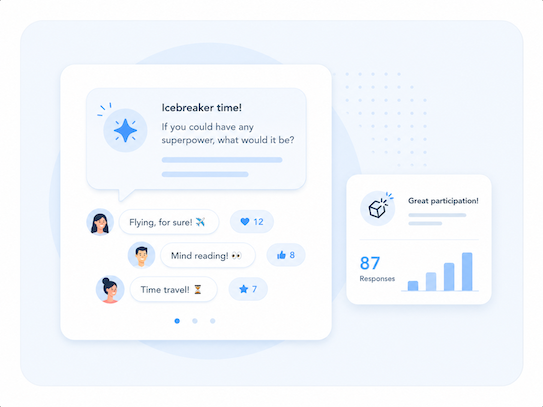

Review benefits open enrollment knowledge across yoru teams and run an engaign q&a to ensure your teams make their selection confidently and on time.
Use Template
Hand the floor to the team. Collect, upvote, and answer the questions people actually have.
Use Template
Hands-on, practice-heavy sessions where you want people doing, not just listening.
Use Template
Where can I present a Polly deck from?

From Google Slides with the Polly extension, from PowerPoint with the Polly add-in, or straight from your browser. It's the same deck and the same Polly slides wherever you present it.
How do people join and respond?
Can I mix my own content with polls, Q&A and quizzes?
Can people send questions before the meeting starts?
What happens after the presentation ends?



Add Polly to: