modal-close
Polly small logo

Login:

Features

Every Polly feature, in one place.

The question formats, settings, and data tools behind every polly, from anonymity and scheduling to demographics and exports.

Try it free
Get a demo
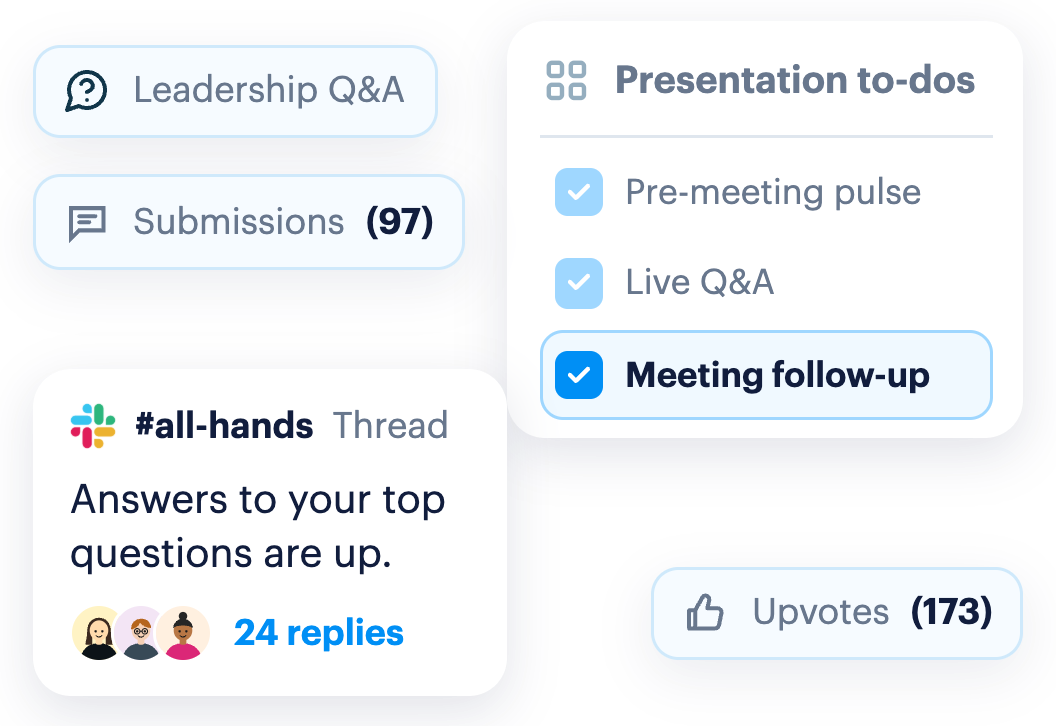
Polly presentation checklist with a pre-meeting pulse, live Q&A, and follow-up, next to an upvoted Slack all-hands thread

Start with the big picture

Polly covers each moment in your teams participation journey. Explore below.

More ways to ask

Formats beyond the standard poll.

Questions

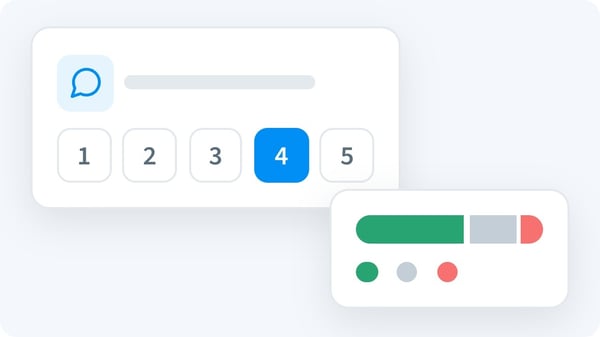
Nine question types, from multiple choice and NPS to ranking and point allocation.

Word Clouds

Free-text answers become a live visual, so shared themes jump out.

Suggestion Box

An always-on, anonymous outlet for feedback, with triage built in.

Icebreakers

Ready-made or AI-generated questions to get any meeting talking.

Hot Takes

Low-stakes debates that get the team picking sides, from the library or AI.

Built into every polly

The settings that make pollys easier to send, and easier to answer honestly.

Templates

Save any polly as a template, or start from the library.

Scheduling

Set the frequency once, and Polly handles delivery.

Anonymity

Anonymous, confidential, or named, and respondents always know which.

Reminders

Automatic nudges for anyone who hasn't responded yet.

Themes

Your logo and colors on every polly, set up once.

Send by DM

Send pollys straight to DMs, where they're harder to miss.

Link Sharing

Share a public or protected link, so anyone can answer from a browser.

Results & data

Turn answers into something you can act on, in the tools you already use.

Integrations

Connect Slack, Teams, Zoom, Google Workspace, and more.

Demographics

Upload demographic data once, and break down every result by it.

Exports

Export any polly as a CSV, or sync it to Google Sheets.

Results Analytics

A built-in dashboard with charts, drill-downs, and multiple views.

Team Spaces

Shared spaces where several people build, manage, and review pollys together.

Frequently asked questions

What question types does Polly support?

blue arrow icon
Nine: multiple choice, rating scales (1 to 5 and 1 to 10), NPS, open-ended, ranking, point allocation, emoji rating, agree/disagree, and yes/no. You can mix them in a single survey of up to 100 questions.

Can Polly responses be anonymous?

blue arrow icon
Yes. Choose anonymous, confidential, or non-anonymous for each polly, and respondents see which applies before they answer. You can also hide names from shared results, hide results from respondents, or reveal results only once the polly closes.

Do respondents need a Polly account or paid plan?

blue arrow icon
No. Only the people creating pollys need a license. Anyone can respond for free, right where they work.

Can people outside Slack or Teams respond?

blue arrow icon
Yes. Share a public link or a QR code, or use a protected link that requires sign-in before anyone can view or respond.

Can I schedule recurring surveys and reminders?

blue arrow icon
Yes. Schedule pollys in advance, set them to repeat, add a close date or re-open them later, and send automatic reminders to anyone who hasn't responded.

Can I send a polly on behalf of a team?

blue arrow icon
Yes. A sender alias shows the polly as coming from a team like "The HR Team," and official pollys carry a verified icon and your logo.

Can I brand my pollys?

blue arrow icon
Yes. Add your logo and a custom background, choose from the themes library, or save your own theme to reuse.

Can I break results down by team or location?

blue arrow icon
Yes. Upload your demographic data once, and every result can be filtered by it automatically.

Where can I send results?

blue arrow icon
Export any polly as a CSV, sync results to Google Sheets, or push responses to your own tools with webhooks. Polly also connects to Jira Service Management and ServiceNow for helpdesk feedback.

Does Polly have templates?

blue arrow icon
Yes. Start from the built-in library, save your own, and share templates with teammates. On Enterprise, admins can publish org-wide templates.

Getting people to participate shouldn't be the hard part.

That's what Polly is for.

Try it free
Get a demo
one-setup-any-surface
modal-close Polly small logo

Add Polly to:

Slides
Powerpoint